Showit
Branding
Business Tips
Website Design
Briwse by Category:
Tutorials
If you’re dreaming of a website that feels polished, professional, and true to your brand, you may be thinking about buying a Showit website template. And honestly? It’s a smart move. Showit templates can give you a beautiful, strategic foundation for your online home — without the stress of designing everything from scratch. But here’s […]

If you’ve ever layered a text box on top of a shape in Showit just to make a button… you’re not alone. That’s been the go-to workaround for years. But guess what? There’s a better way now—finally! Showit just introduced a brand-new Button element that simplifies the whole process. It’s one of those small updates […]

Is your website feeling a bit… meh? Ready for a vibrant refresh that truly reflects your brand’s personality? Showit makes it easy to update your color palette. In this guide, we’ll walk you through the key steps to changing your Showit color palette, ensuring your website aligns perfectly with your brand’s aesthetic. Why Your Website […]

Imagine your website visitors arriving and instantly seeing a simple, elegant message about your latest promotion or an important update. Adding a notification bar to your Showit website is a fantastic way to make key announcements that immediately capture attention without disrupting the browsing experience. It’s a versatile tool that’s both functional and beautiful, giving […]

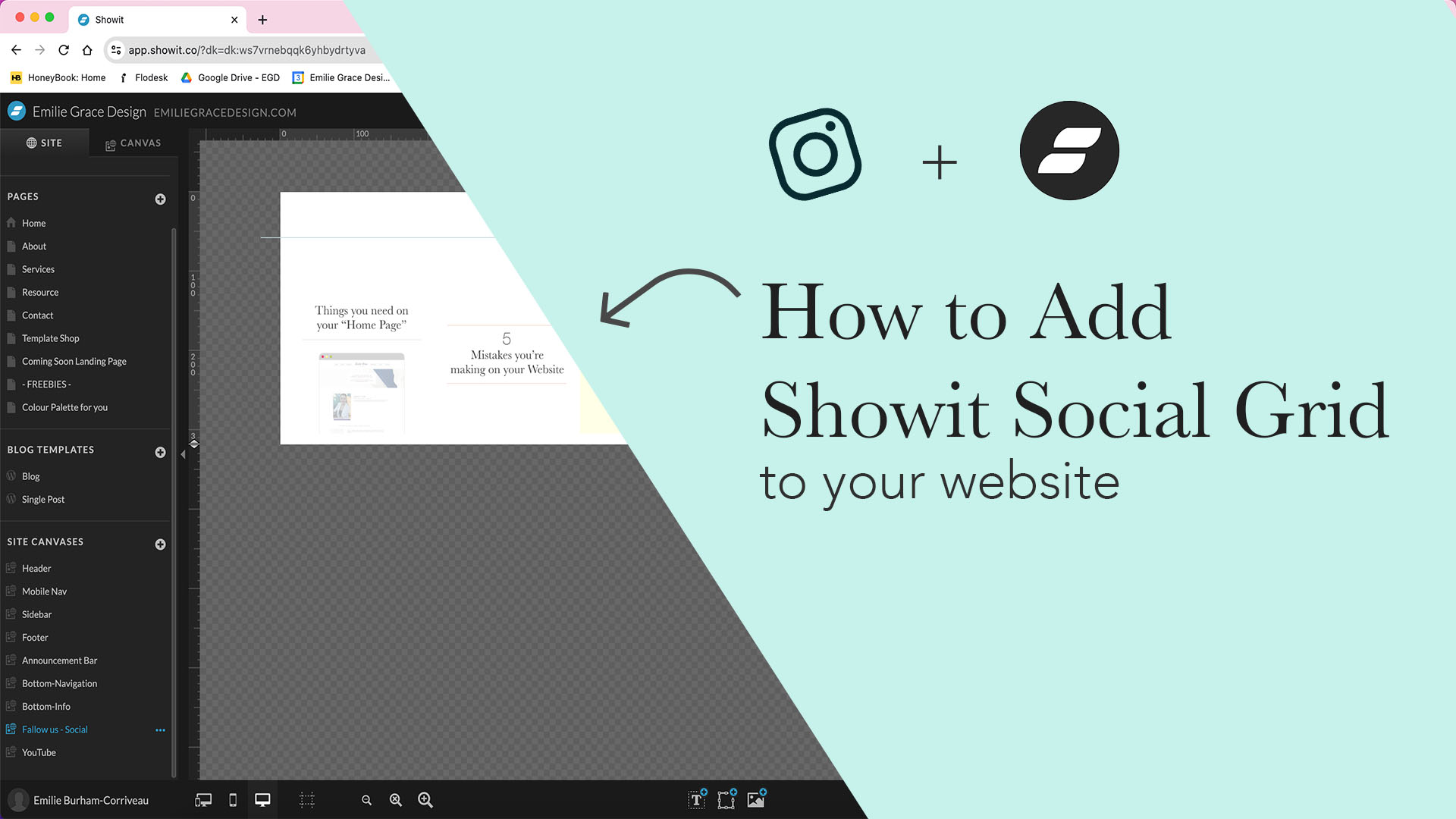
Gone of the days of using a third-party app to have your Instagram feed on your showit website! With a feature that Showit launched in November 2021, you can use the native widget to connect your Instagram account to your website. If you need a step-by-step way to connect your Instagram account? Here are the […]